Welcome to Beatsource
Thanks for joining.
You will receive an email receipt shortly.
Getting Started
Start playing in three easy steps:
Connect
Connect Beatsource to your DJ software for instant access to the entire Beatsource catalog.
Discover
Browse our library from within your DJ software to find the tracks you want.
Create
Build your own custom sets and playlists and access them from anywhere in the world.
Connect Beatsource
Manage your library from the cloud
Find tracks, build playlists and organize your library from the convenience of the Google Chrome desktop browser.
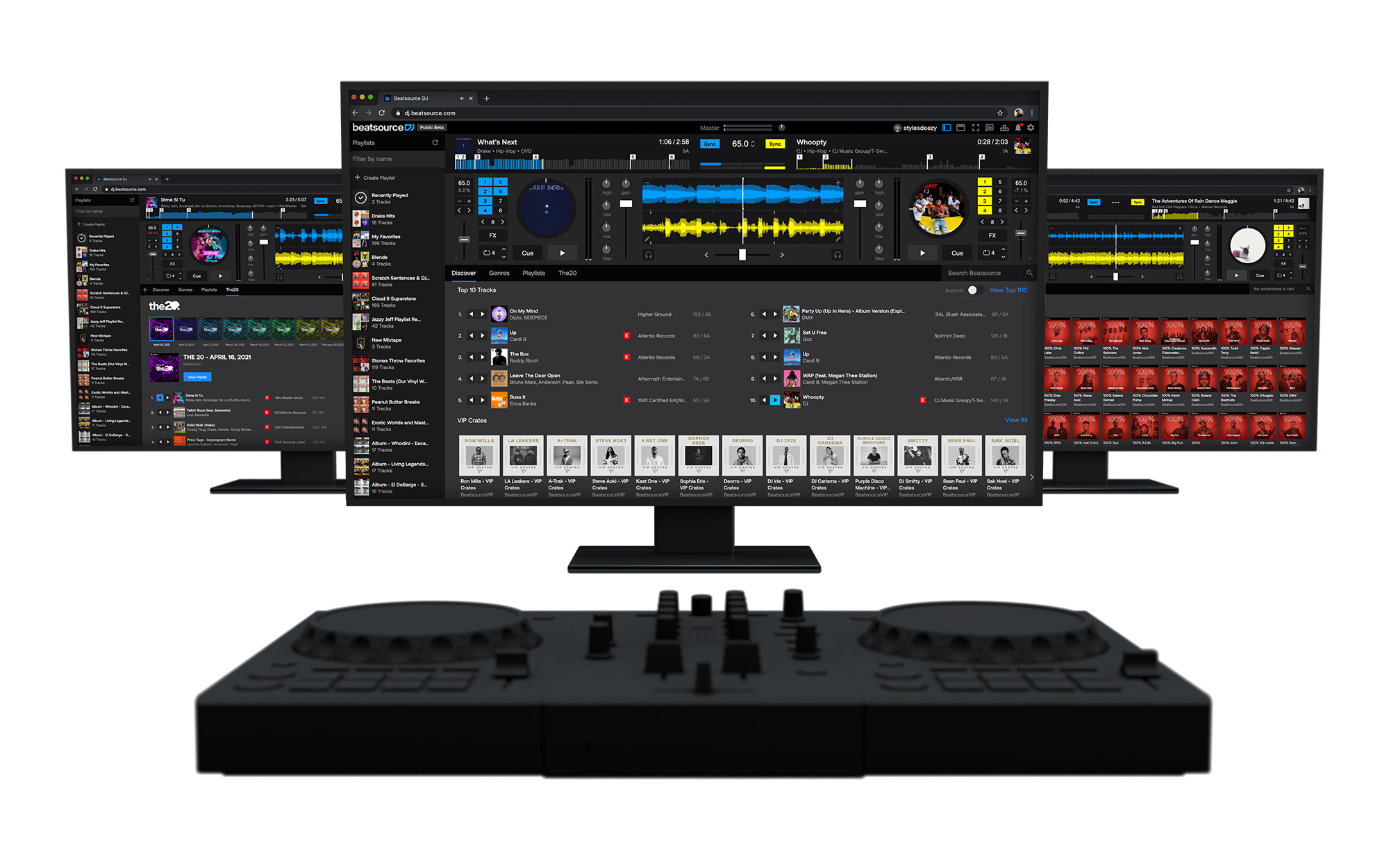
Discover more music
Find new releases, classic hits, and thousands of curated playlists.



Create a Playlist
Playlists are automatically added to your performance software when saved.

1. Add Tracks
Click the drop-down button next to any track on Beatsource to create a new playlist or to add it to an existing playlist.
2. Customize Your Playlist
Click the crate icon in the top right to find your saved playlists. From there you can rename your playlists, re-arrange the track order, and add or delete tracks.
3. Save to Library
When you’re done building the playlist, save it to your Library and it will automatically appear in your DJ software, ready to play.
Tutorials